Why didn’t I see my notification?
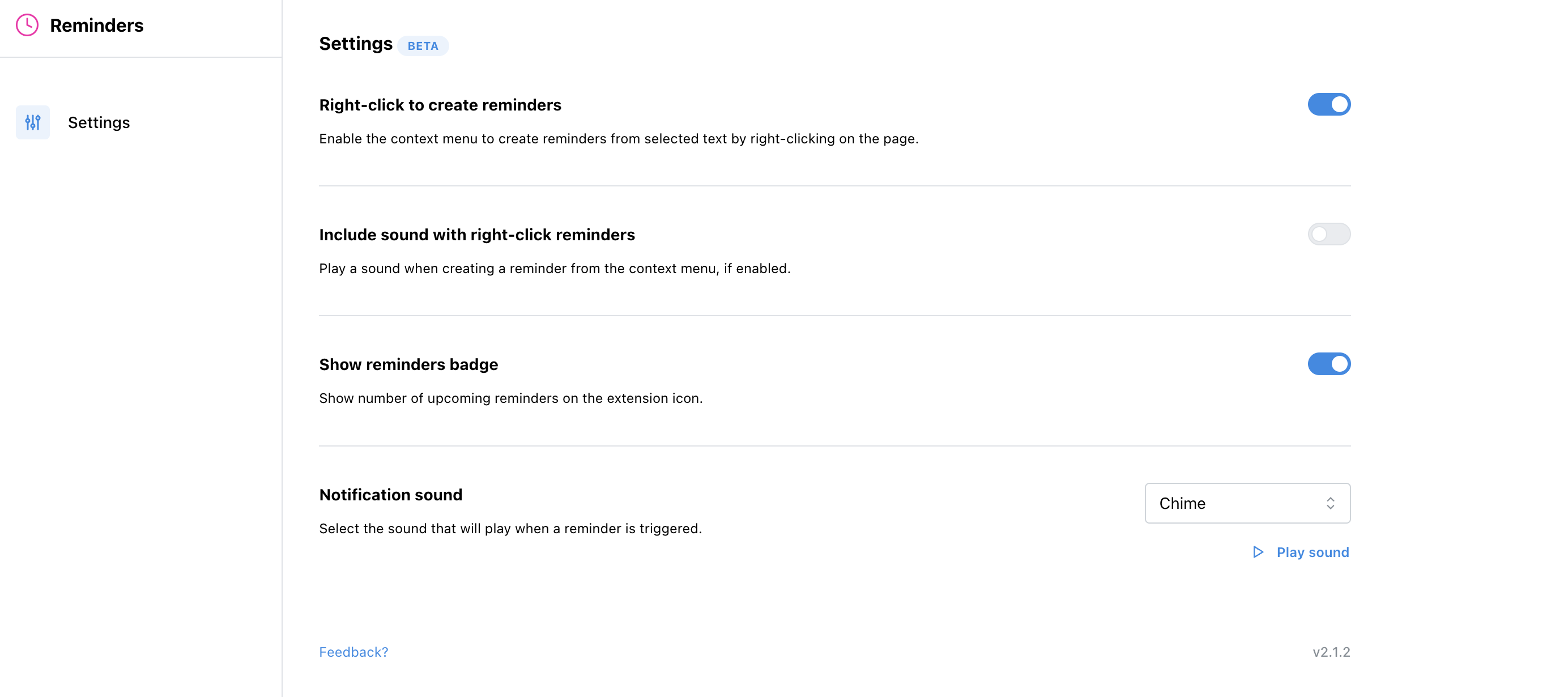
- Right-click the extension icon, choose Options, open Settings, and click Send test notification.
- If the test appears only in your notification center, check whether banners are enabled for your browser. On macOS, open System Settings → Notifications. On Windows, open Settings → System → Notifications. Check Focus or Do Not Disturb as well.
- If the test appears normally, open Upcoming and check the reminder’s next date and time in the browser profile where you saved it. The browser needs to be running to deliver a desktop alert at the scheduled time.
See the illustrated Windows and macOS notification setup.
Why did I see an alert without hearing it?
Check the sound switch on the reminder, then play the selected sound in Settings → Notification sound. Also check your device volume and output.
Why did my daily reminder go off only once?
A quick interval immediately saves a one-time reminder. Open Reminders and check Repeat. Choose Every day to include weekends, or Every weekday for Monday through Friday. If a one-time reminder has already fired, find it in Past Reminders and choose Recreate.
Why is a page missing from the tab picker?
The picker shows ordinary web pages from the reminder’s source window. Move the page into that window and clear the title or URL filter. Browser settings pages and extension pages don’t appear. See how tab selection works.
Why did a list open instead of my websites?
A multi-tab notification takes you to its reminder page. Choose a link to open just that page, or use the Open all button showing the tab count for the whole set. The option Open reminder page when due brings up the list automatically.
Where are my past reminders and exported tabs?
Open Past Reminders in the original browser profile. In a CSV, several tabs share one URL cell. Open it in a spreadsheet and enable text wrapping to read the addresses. A CSV is a readable record. The extension has no CSV restore command.
For an existing Sync account, visit Cloud Sync and email reminder support. For help with a reminder, email contact@bestreminderapp.com with your browser, extension version, and what happened when you sent the test.